

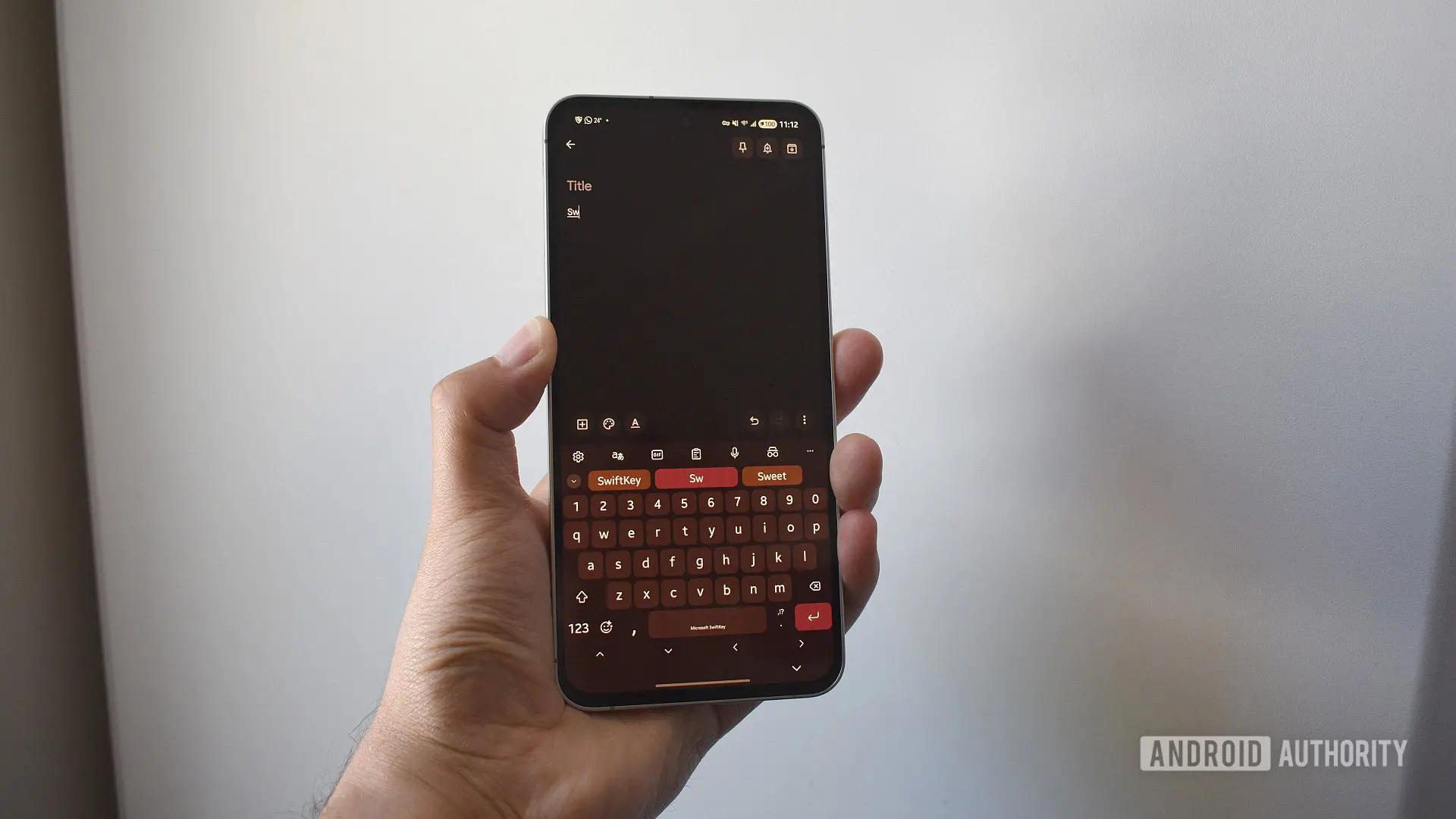
If you have been a long-time user of the SwiftKey keyboard on Android or iOS, a significant change is coming that could affect your personalized typing experience. Microsoft, which acquired SwiftKey in 2016, has announced that it will discontinue third-party login backups for the keyboard app. The deadline is May 31, meaning that users who rely on Google or Apple accounts for syncing their personal dictionary and prediction models will lose access to that data if they do not take action by tomorrow.
What Is Changing and Why?
Since its acquisition, Microsoft has been gradually integrating SwiftKey with its own ecosystem, particularly OneDrive and Microsoft accounts. The backup and sync feature of SwiftKey has allowed users to store custom words, typing patterns, and a personalized language model across devices. Previously, this could be done using a Google account (on Android) or an Apple ID (on iOS). However, Microsoft is now requiring all SwiftKey users to use a Microsoft account for these cloud backup features. This shift aligns with Microsoft's broader strategy to unify its services under a single identity platform and reduce dependency on competitors' authentication systems.
The company has been sending in-app notifications and publishing support articles for months, urging users to migrate before the cutoff date. While the deadline was initially set earlier in 2024, it was extended to May 31 to give users more time. Now, Microsoft indicates that no further extensions will be granted.
What Data Will You Lose?
The data stored in SwiftKey backup includes your personal dictionary—the collection of words and phrases you have typed that the keyboard has learned over time. This might include slang, names, abbreviations, or even misspelled words that you often use. Additionally, SwiftKey builds a customized prediction model based on your vocabulary and typing habits. This model is what makes SwiftKey's swipe and prediction features so accurate for your unique style. If you lose this data, you will have to rebuild it from scratch, which can take weeks or months of regular typing.
Moreover, the backup also includes your typing history and settings preferences. After May 31, if you have not switched to a Microsoft account, the "Backup & Sync" option within the SwiftKey settings will become inaccessible, and the existing backups tied to Google or Apple will be deleted permanently.
How to Transfer Your SwiftKey Data to a Microsoft Account
The transfer process is straightforward, but it must be completed before the deadline. Follow these steps carefully to preserve your personalized data:
- Visit the Microsoft SwiftKey Data Portal – Open a web browser on your computer or phone and go to the Microsoft SwiftKey data portal. Alternatively, on your mobile device, navigate to SwiftKey's settings, tap Account, and then select View and manage your data. This will take you to the same portal.
- Select Your Current Account Provider – Choose either Google or Apple, depending on which account you have been using for SwiftKey backup. You will be asked to authenticate with that account to access the stored data.
- View and Export Your Data – Once logged in, tap the View data button. You will see a list of all the words in your personal dictionary. While you could manually note them down, the recommended approach is to use the Export all option, which downloads a file (likely in JSON or CSV format) containing your entire dictionary and prediction model.
- Save the Exported File – Wait for the download to complete and save the file to a safe location on your device or cloud storage. This file will be the key to restoring your data later.
- Create or Use an Existing Microsoft Account – If you do not already have a Microsoft account (for example, an Outlook.com, Hotmail, or Xbox Live account), create one for free at account.microsoft.com.
- Upload the File to OneDrive – Log in to your Microsoft account on OneDrive (either via the website or app). Navigate to the Apps > SwiftKey folder. If the folder does not exist, create it manually: go to "Apps" and then create a subfolder called "SwiftKey". Upload the previously exported file into this folder.
- Log In to SwiftKey with Your Microsoft Account – Open the SwiftKey app on your phone. Go to Settings, tap Account, and choose "Sign in with Microsoft". Enter your Microsoft credentials and grant the necessary permissions.
- Verify Your Data – After logging in, SwiftKey should automatically sync the uploaded dictionary from OneDrive. Check if your personalized predictions are working. If you do not see your custom words, go back to OneDrive, ensure the file is in the correct folder (Apps > SwiftKey), and try refreshing the sync in SwiftKey settings.
What If You Miss the Deadline?
If you do not complete the migration before May 31, your data will be erased from Microsoft's servers. The keyboard will continue to function normally, but you will lose the personalized language model. You can still create a new Microsoft account and start fresh, but your old typing history will be gone. For users who rely heavily on SwiftKey's swipe typing, this could be a significant setback. It is therefore crucial to act now.
Background: SwiftKey's Evolution Under Microsoft
SwiftKey was founded in 2008 and quickly became one of the most popular third-party keyboards due to its advanced predictive text and swipe capabilities. Its innovative use of artificial intelligence and language models set it apart from competitors like Gboard and Fleksy. Microsoft acquired SwiftKey in 2016 for a reported $250 million, integrating the technology into its own products such as Word Flow and the Windows keyboard. Over the years, Microsoft has gradually shifted the app's backend from Google's cloud services to its own Azure and OneDrive infrastructure. The current move to kill third-party logins is the latest step in that integration process, ensuring that all SwiftKey data flows through Microsoft's ecosystem.
This change also has implications for user privacy and data control. While Microsoft claims that the migration enhances security and provides a seamless experience across devices (including Windows PCs and Xbox consoles), some users may be uncomfortable with being forced into a single vendor's ecosystem. Nonetheless, for those who continue using SwiftKey, the process is designed to be as painless as possible.
Incentive for Switching: Microsoft Reward Points
To encourage users to make the switch, Microsoft is offering up to 1,000 Microsoft Reward Points to those who migrate their SwiftKey backup to a Microsoft account before the deadline. These points can be redeemed for various perks such as discounts at the Microsoft Store, Xbox gift cards, or even donations to charities. The exact number of points depends on whether you complete certain steps like exporting your data and using the new backup feature. While not a huge reward, it adds a small incentive for users who may be on the fence.
Potential Impact on User Experience
For many users, the sudden loss of personalized prediction data can be frustrating. SwiftKey's strength lies in its ability to learn from each user's typing patterns. Without the backup, users will have to retrain the keyboard, which can take weeks. Additionally, users who switch between multiple devices (e.g., a phone and a tablet) will no longer have cross-device sync unless they use a Microsoft account. This could be a deciding factor for some to either fully commit to Microsoft or switch to an alternative keyboard like Gboard, which uses Google's cloud for backup.
It is worth noting that SwiftKey also offers an offline mode where the keyboard works without any account. However, the backup and sync features are only available with an account. The decision to remove third-party logins is a clear signal that Microsoft wants to tighten control over the user experience and data.
Why This Move Makes Sense for Microsoft
From a business perspective, requiring Microsoft accounts aligns with the company's strategy of creating an integrated ecosystem across Windows, Office, Xbox, and mobile apps. By funneling SwiftKey users into Microsoft accounts, the company increases engagement with its other services, such as OneDrive, Outlook, and Bing. It also reduces reliance on Google's authentication system, which is a competitor in many areas. While some users may switch away, Microsoft likely believes that the majority will comply, given SwiftKey's loyal user base and the relatively low friction of creating a Microsoft account—many users already have one for other purposes.
In summary, the May 31 deadline is fast approaching. If you are a SwiftKey user who currently uses a Google or Apple account for backup, you should export your data immediately and migrate to a Microsoft account. The steps are simple, and the effort is minimal compared to the months of typing data you could lose. After tomorrow, it will be too late.
Source: Android Authority News